Running the Open Source Version of GFXBench on Android (2): Execution
Back to Top
To reach a broader audience, this article has been translated from Japanese.
You can find the original version here.
Introduction
#This is the second installment in the series covering the GPU benchmarking software GFXBench.
In the previous article, we successfully built the GitHub-released GFXBench.
This time, we’ll actually run it and check the benchmark scores.
Benchmark Overview
#GFXBench consists of a variety of benchmarks that you select and run at startup.
The categories are broadly divided into High-Level Tests and Low-Level Tests.
In this article, we'll focus on the High-Level Tests and highlight a few of them.
The images below are screenshots taken from GFXBench running on the author’s smartphone.
Layouts and appearance may vary depending on the smartphone or tablet.
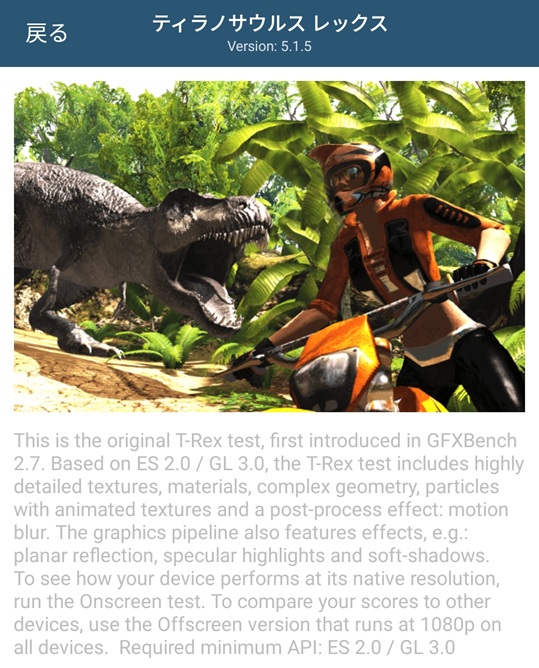
T-Rex
#
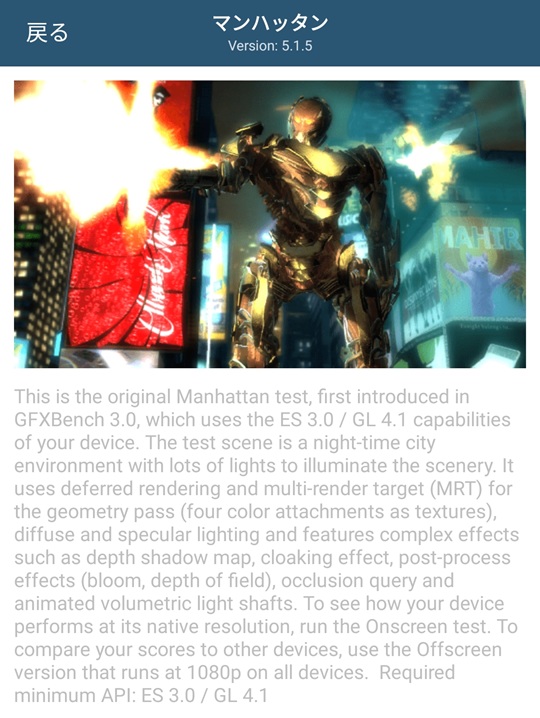
Manhattan
#
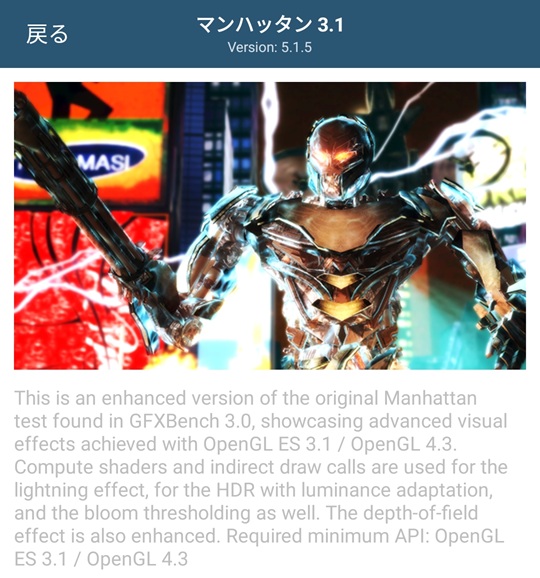
Manhattan 3.1
#
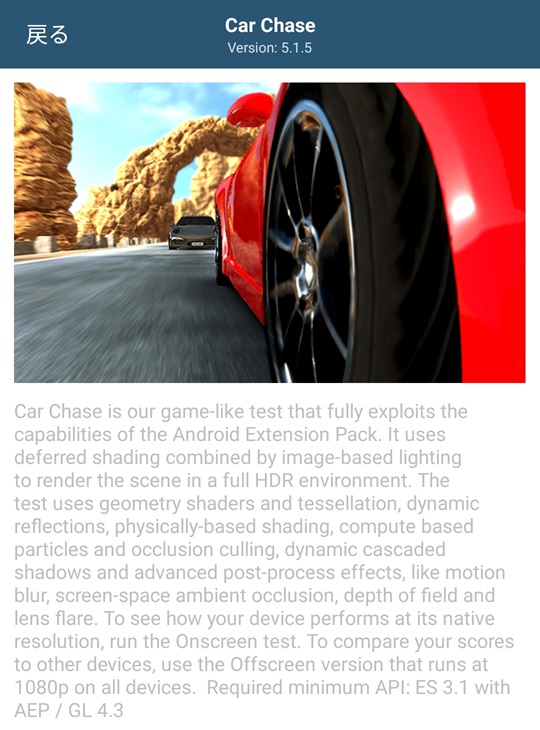
Car Chase
#
Aztec Ruins
#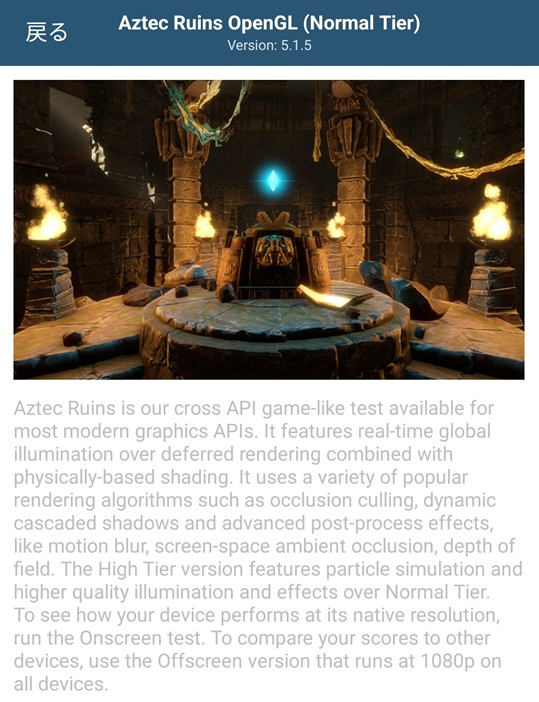
There are many details described, but let’s focus solely on the “Required minimum API” section.
From it, you can see how the benchmarks have evolved alongside the OpenGL ES versions.
(It appears that each benchmark was added as GFXBench was upgraded.)
| Benchmark | OpenGL ES version |
|---|---|
| T-Rex | 2.0 |
| Manhattan | 3.0 |
| Manhattan 3.1 | 3.1 |
| Car Chase | 3.1 + AEP (Android Extension Pack) |
Therefore, the benchmarks you can run depend on the OpenGL ES version supported by your Android device. If a benchmark is not supported, it will be disabled on the benchmark selection screen.
※ Aztec Ruins seems to have taken a different direction, so it is omitted (it appears more like a multi-API benchmark rather than version-based).
Installing the Benchmark
#Install the APK file built in the previous article onto your Android device.
Ensure that the Android device is in developer mode and connected to the build PC via adb.
When running adb commands, it’s better to use Windows Terminal instead of Git Bash to avoid (various) issues.
adb install gfxbench-5.1.5+corporate.apk
Running the Benchmark
#On your Android device, tap the GFXBench icon to launch it.
On the first launch, you will see a “Pushed data not found” message.
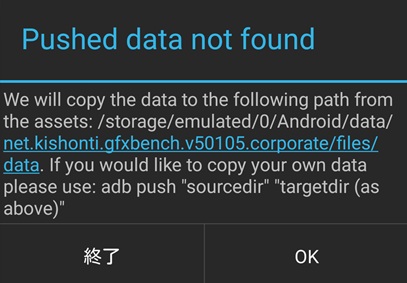
Select “OK” to copy the APK bundle data into the app’s data area.
As mentioned previously, this data copy will increase the app size on the first launch.
Instructions for manually placing the data are also provided in that message.
Once launched, the benchmark’s main screen appears.
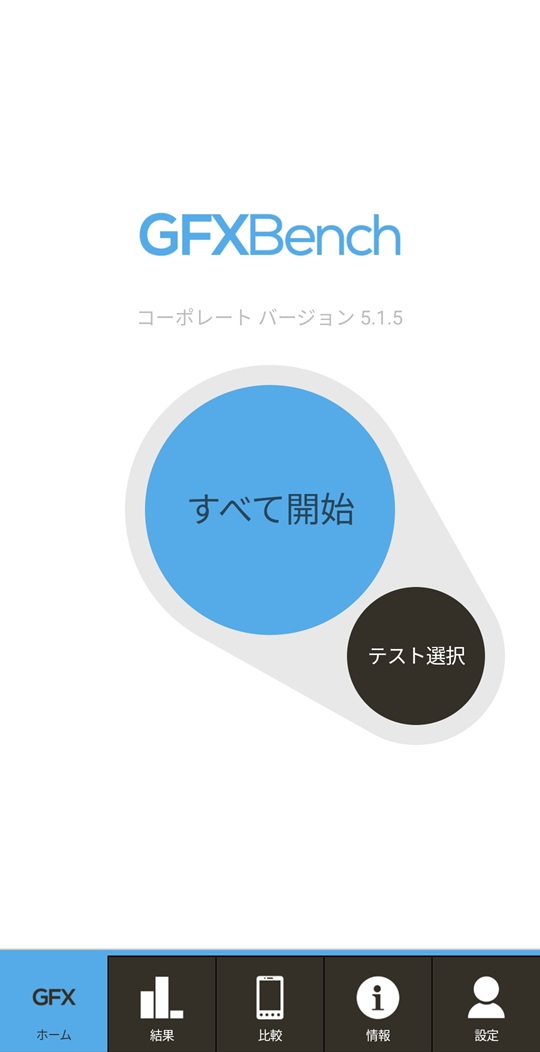
Tap the “Select Test” button to open the test selection screen.
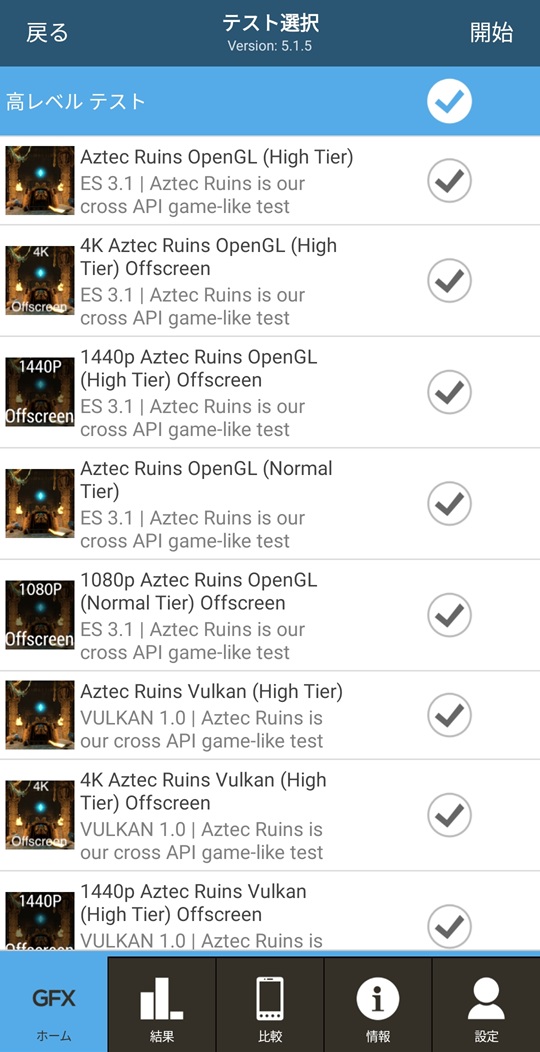
For the benchmarks to run, I’ll choose the following two based on my personal interest:
- T-Rex
- Manhattan
Each also has an on-screen and an off-screen version.
The on-screen version renders the benchmark on the actual display, meaning the scores depend on the device’s screen resolution.
The off-screen version does not render to the screen (aside from minimal progress indicators) and runs at a fixed off-screen resolution, so the scores are independent of the device’s screen size.
If you want to compare GPU performance across different devices without being affected by screen resolution, choose the off-screen version.
When you first launch the selection screen, all benchmarks are checked by default, so uncheck everything except the benchmarks you want to run, then tap “Start”.
(It’s convenient to uncheck entire categories like High-Level Tests or Low-Level Tests in one go.)
Benchmark Results
#Let’s run the off-screen versions.
(If you want to see the on-screen rendering, feel free to use the on-screen versions.)
I selected an Android device from my collection with a (relatively) recent Android version for the test.
Note that the devices we’re using for this article are in a spec range where off-screen benchmark scores peak in the mid-100 fps range.
(For high-end devices, the T-Rex and Manhattan benchmarks are now considered light…
In those cases, more demanding benchmarks would be more appropriate.)
Below are some sample measured results. The benchmark scores are the off-screen fps values.
Please note that this is just “an example from the author’s environment and point in time”, and you may get different results even with the same GUP and procedure, depending on your environment.
| GPU | SoC | Driver version | Android version | T-Rex score | Manhattan score |
|---|---|---|---|---|---|
| ARM Mali G57 MC1 | Allwinner A537 | OpenGL ES 3.2 v1.r51p0-00eac0.26a7a06524af59d6533aad5e5bab3098 | 15 | 19 | 13 |
| ARM Mali G57 MC2 | Mediatek Helio G99 | OpenGL ES 3.2 v1.r32p1-01eac0.394145956bc7cd8e697b330aba11e3d3 | 13 | 57 | 37 |
| ARM Mali G57 MC3 | Mediatek Dimensity 800U | OpenGL ES 3.2 v1.r32p1-01eac0.461cd25a1c7796cc6d3ad05234c053ac | 12 | 85 | 54 |
Coincidentally :-) these GPUs differ by the number of cores (MC), and the ones with more cores produced better results (as expected).
To compare a bit further, let’s divide the benchmark scores by the number of cores.
| GPU | T-Rex/core score | Manhattan/core score |
|---|---|---|
| ARM Mali G57 MC1 | 19 | 13 |
| ARM Mali G57 MC2 | 28.5 | 18.5 |
| ARM Mali G57 MC3 | 28.3 | 18 |
From these values, you can see that the MC2 and MC3 devices follow the same trend (proportional to the assumed MC1 baseline).
By contrast, the MC1 device in our test shows a modest score.
It may be due to its lower specs, such as a lower clock frequency, among other reasons.
Conclusion
#In this article, we introduced GFXBench’s features and actually ran the GFXBench build from the previous article to check the benchmark scores.
Next time, we’ll cover the procedure for running it on devices with older Android versions than those used here.
License and Disclaimer
#The screenshots and test results in this article use and reference the software and assets from Kishonti-Opensource/gfxbench, which is published under the BSD 3-Clause License.
- Original Copyright: (c) 2005–2025 Kishonti Ltd.
- License: BSD 3-Clause License
- Rights to Images, etc.: The copyright for the GFXBench benchmark screen images and UI quoted in this article belongs to the original author, Kishonti Ltd.
Disclaimer
The procedures, benchmark scores, and other test results presented in this article are provided on an AS IS basis, reflecting the state of a specific test environment, and their accuracy, safety, and reproducibility are not guaranteed.
Neither the author nor Mamezou Inc. shall be liable for any direct or indirect damages arising from the use of or reliance on this information. Please review the content carefully and use it at your own risk.